 Verity
The Misguided Comfort of Upgraded Infrastructure
True mobile privacy in 2026 requires systematically decoupling your physical device and cellular provider from your digital identity. Upgrading your smartphone hardware or switching to a premium carrier network will not protect you if your core verification protocols and network traffic remain exposed to external tracking.
A few weeks ago, I was consulting with a regional operations manager who had just overseen a massive hardware refresh for his remote workforce. He handed out brand new corporate devices across the board—a mix of the iPhone 14 Pro for executives, and standard models like the iPhone 11 and iPhone 14 Plus for field teams. He assumed that because they were using high-end hardware on premium cellular data plans, their operational privacy was inherently secured. It took me less than five minutes to demonstrate how easily their default configurations leaked unencrypted DNS queries and tied permanent phone numbers to disposable third-party services.
This is a systemic issue across the industry. As a cybersecurity practitioner, I continually see organizations and individuals falling for the illusion that modern infrastructure automatically equals privacy. It does not. To protect your data today, we need to dismantle the myths surrounding mobile security and look at what actually happens to your traffic once it leaves your device.
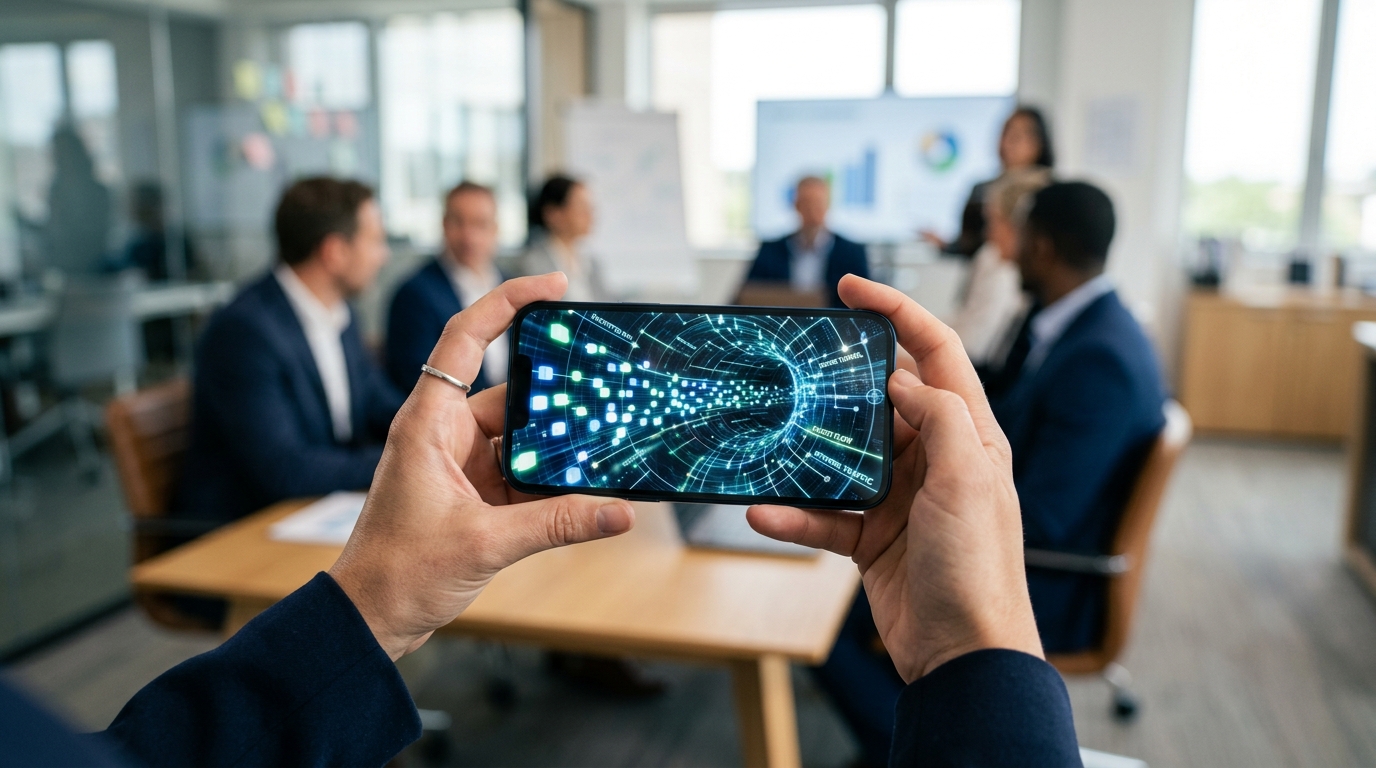
Myth 1: Premium Hardware Automatically Secures Your Network Traffic
There is a persistent belief that simply purchasing the latest flagship device creates an impenetrable fortress around your data. People upgrade from an iPhone 11 to an iPhone 14 or an iPhone 14 Plus and assume the newer processor and updated operating system handle network security by default.
The reality is that hardware encryption protects data at rest. If you lose your iPhone 14 Pro on a train, the local biometric locks and hardware-level encryption will keep a thief from reading your local files. But the moment you open a browser, authenticate a new account, or send a packet of data across a network, those local hardware protections are irrelevant. Your device must communicate with external servers using standard internet protocols.
To truly protect data during physical transitions or while roaming, you must isolate the device from the identity layer. My colleague Ece Sönmez covered this exact dynamic recently in her analysis of protecting digital identity during device upgrades. Hardware is just a vessel; it does not encrypt your outbound destination data unless you explicitly route it through a secure tunnel.
Myth 2: Major Carriers Shield You from Traffic Interception
Another incredibly common misconception is the "carrier trust" fallacy. Many users believe that if they are off public Wi-Fi and using cellular data from major telecommunications providers like T-Mobile or Xfinity Mobile, their browsing habits and app usage are inherently private.
This fundamentally misunderstands how Internet Service Providers (ISPs) and cellular networks operate. Whether your connection routes through a local coffee shop's router, T-Mobile, or Xfinity Mobile, the infrastructure provider must resolve your DNS (Domain Name System) queries to connect you to websites. Without an encrypted tunnel, your cellular provider can see exactly which domains you are visiting, when you visit them, and for how long.
This is precisely why Verity approaches network security as a dedicated utility problem rather than an operating system feature. As a mobile app company, our focus is on building tools that solve these specific gaps. For network isolation, we built VPN 111: Warp IP DNS Changer. It functions as a strict DNS changer and encrypted tunnel, ensuring that your queries are masked from the network provider. By utilizing a zero-log approach—leaving 0 traces of your origin IP exposed—you strip the carrier of their ability to profile your traffic.
Myth 3: Identity Verification Only Fights Human Fraud
Historically, we treated text message verification as a way to prove a human was on the other end of the screen. Today, the digital identity ecosystem has fundamentally fractured.
According to a recently published 2026 Regula report on verification trends, identity is rapidly leaving the human domain entirely. The report notes that verification threats are shifting away from traditional human fraudsters toward autonomous AI agents and machine customers. Organizations are being forced to rebuild their verification processes to cope with non-human traffic attempting to register accounts, scrape data, and mimic human behavior.
What does this mean for the average user? It means the services you sign up for are employing increasingly aggressive data-gathering techniques to profile you, verify you, and track you across the web. Handing over your permanent personal phone number or primary email address to a newly downloaded application or a temporary service is a massive privacy risk. You are feeding your permanent identifiers into databases that are under constant siege by automated extraction tools.
The solution is strict identity buffering. You should never use your real contact details for short-term registrations or untrusted platforms. This is why our portfolio of apps include dedicated isolation tools like Receive SMS&Temp Mail: CodeApp. By allowing users to generate temporary, shared numbers to receive verification codes and disposable mail addresses, you cut the link between your permanent identity and the third-party service. You still pass the verification gate, but you do so without permanently compromising your personal phone number.
Myth 4: Corporate Consolidation Will Solve Privacy Friction
The final myth I frequently encounter is the idea that we should just wait for large tech monopolies to build "all-in-one" super apps that handle our network routing, identity masking, and communications simultaneously.
Macroeconomic data strongly suggests the opposite is happening. An Accenture Strategy foresight brief examining the 2026 global economic outlook highlights rising geo-economic fragmentation as a defining macro trend. Supply chains, digital regulations, and data sovereignty laws are fracturing across borders. In a fragmented global internet, a monolithic "everything app" becomes a single point of catastrophic failure. If one centralized service experiences a breach or faces regional censorship, your entire digital footprint is compromised.
Furthermore, consumer trust in massive, bloated applications is deteriorating. Barış Ünal recently wrote an excellent breakdown debunking modern mobile utility myths, explaining why the era of the "everything app" is ending. As an infrastructure engineer and privacy advocate, I strongly advise a modular approach to security. Use one tool for network encryption. Use a completely separate tool for temporary identity verification.
Practical Guidelines for 2026
If you want to maintain control over your digital footprint moving forward, you need to abandon these myths and adopt a defensive posture based on utility and separation.
- Separate your hardware from your traffic: Do not rely on device manufacturers to protect data in transit. Use a dedicated VPN or DNS changer regardless of whether you are on Wi-Fi or cellular.
- Buffer your identity: Never give away your primary phone number for a service you intend to use temporarily. Use temporary mail and SMS verification utilities as a standard practice for all new account sign-ups.
- Audit your carrier trust: Assume that your cellular provider logs DNS requests by default. Encrypt the connection before the packets leave your device.
By understanding where the real threats lie—automated agents, unencrypted transit, and permanent identity linking—you can select the right specialized utilities to secure your daily mobile usage.