Earlier this year, I sat down with an independent investigative journalist who was preparing to migrate their digital life to a new device. They were trading in an older iPhone 11 and assumed their carrier’s default security add-ons, combined with standard OS features, would keep their communications secure. As a cybersecurity professional with eight years of experience analyzing network vulnerabilities, I ran a quick diagnostic on their setup. Within five minutes, I demonstrated how their internet service provider was silently logging their DNS requests, and how their primary phone number was linked to dozens of third-party marketing databases they had forgotten about. The reality of modern mobile infrastructure quickly set in.
Securing your mobile data today requires a systematic approach: you must actively isolate your personal identity from your physical hardware and local network using specialized, zero-log utilities, rather than relying on default corporate services. Broad, monolithic privacy tools often fail to provide the granular control necessary to block carrier tracking and database scraping simultaneously.
The urgency for this separation is backed by hard data. According to 2026 consumer statistics compiled by Amra & Elma, CEO credibility has hit a record low, with 70% of consumers stating they believe corporate leaders actively mislead them regarding data practices. Alongside this trend, the 2026 Edelman Trust Barometer highlights a widespread global decline in exposure to differing viewpoints, indicating that digital algorithms are tightening their control over what users see. In a low-trust environment, personal data protection requires a proactive, individual strategy.
Here is a practical framework for taking back control of your mobile privacy, categorizing your defenses, and choosing the right utility applications.
Step 1: Audit and Isolate Your Carrier Network Traffic
Your first layer of vulnerability is the network provider itself. Whether your mobile data plan is managed by T-Mobile, Xfinity Mobile, or a regional telecom operator, your cellular provider has default visibility into the domains you visit. They achieve this primarily through DNS (Domain Name System) queries, which act as the internet’s phonebook.
Carriers frequently log these queries to build marketing profiles or throttle specific types of traffic. To stop this, you must encrypt your network requests before they leave your device.
Network Isolation Strategies
- Change your default DNS: Do not use your carrier’s default routing. Shift to an encrypted DNS resolver.
- Use a strict virtual private network: Route your daily traffic through an encrypted tunnel.
- Block tracking domains at the connection level: Prevent known telemetry servers from communicating with your device in the background.
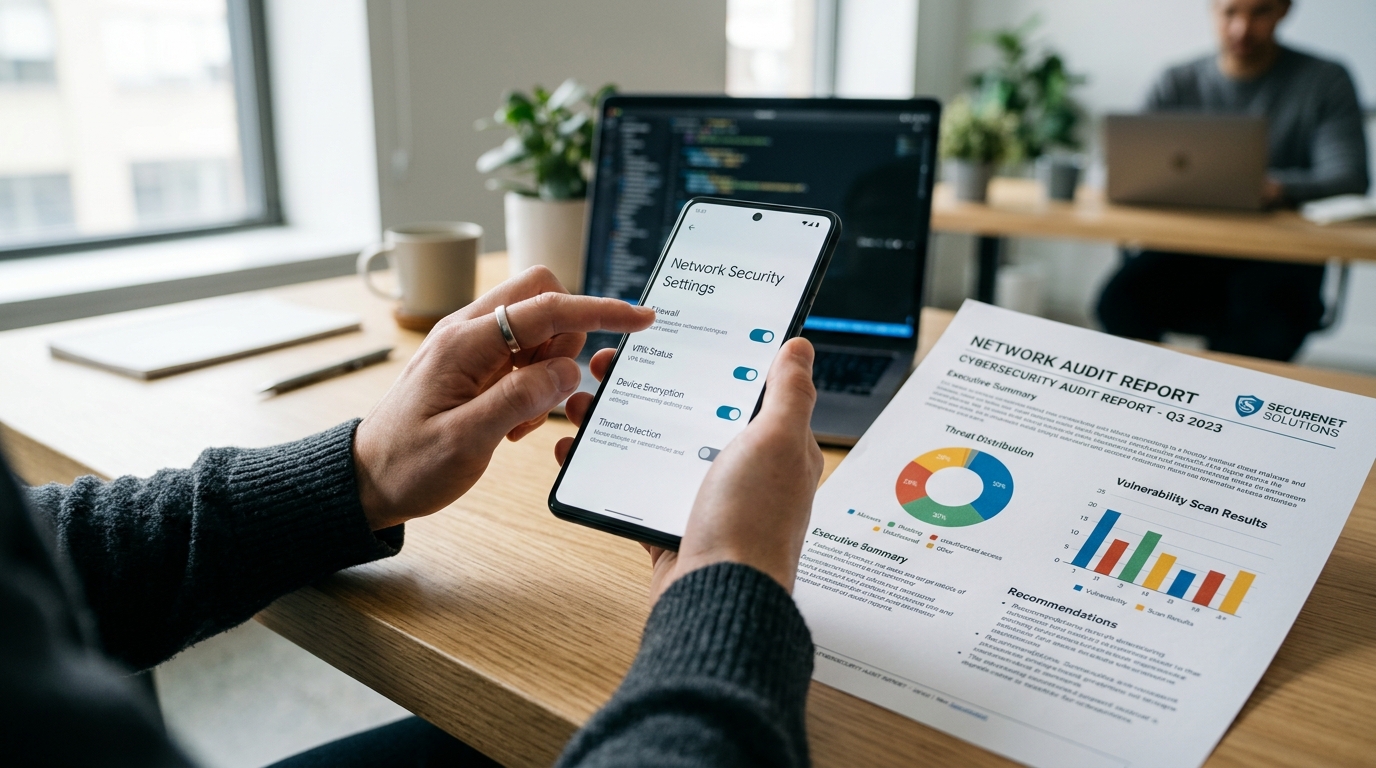
This is precisely the use case for VPN 111: Warp IP DNS Changer. Rather than acting as a bloated security suite, this utility strictly handles network-level defense. It functions as a DNS changer, a secure tunnel, and an active tracker blocker. By keeping your network protection isolated in a specialized app, you prevent your carrier from monetizing your browsing habits.
Step 2: Physically Decouple Identity During Hardware Transitions
Device upgrades are historically the most vulnerable period for personal data leakage. When you upgrade your hardware—moving from an older model to an iPhone 14, an iPhone 14 Pro, or the larger display iPhone 14 Plus—your data footprint migrates via cloud backups. During this migration, dormant apps are often re-authenticated, and temporary permissions granted years ago are suddenly renewed on a fresh operating system.
As my colleague Ece Sönmez recently detailed in her guide on protecting data during device upgrades, you must separate your persistent digital identity from the physical hardware you carry. A phone is just a piece of glass and silicon; it should not permanently hold the keys to your financial or personal communications if it gets lost, stolen, or traded in.
Before initiating a device transfer, audit your account recovery methods. Remove SMS-based two-factor authentication from your primary number wherever possible, replacing it with local authenticator apps that require physical device transfer, thereby reducing the risk of SIM-swap attacks during carrier migrations.
Step 3: Establish a "Day 0" Baseline for App Registrations
The moment you download a new application or sign up for a digital service, you are typically asked for two things: an email address and a phone number. Providing your permanent contact details immediately links that new service to your historical data profile. To break this chain, you must implement a Day 0 approach to identity verification.
A Day 0 approach means that to any new service, you exist entirely as a blank slate. You achieve this by utilizing disposable endpoints for the onboarding process.
If a retail app, a temporary Wi-Fi portal, or an online forum requires verification, do not hand over your permanent number. Instead, you need tools that allow you to quickly receive the necessary codes without leaving a permanent trace. This is where Receive SMS&Temp Mail: CodeApp becomes a critical part of your workflow. This utility provides shared, temporary numbers specifically designed so you can receive SMS verification codes securely. It also generates temporary inboxes so you can intercept confirmation mail without exposing your primary inbox to future spam.

How Do You Evaluate and Select Genuine Utility Apps?
Identifying the necessary app categories is only the initial step. The subsequent challenge involves vetting software providers. The app stores are flooded with utilities, making the selection process difficult.
The 2026 Amra & Elma data reveals a 37-point collapse in consumer trust regarding online reviews over the past five years, driven by fake review fatigue. You can no longer rely solely on a five-star rating to determine if a privacy tool is legitimate. Instead, you need a strict decision framework to evaluate a mobile app company and its products.
Privacy Utility Selection Criteria
- Data Minimization Requirements: Does the app force you to create an account just to use it? A genuine privacy utility should function with minimal onboarding friction.
- Specialization over Consolidation: As noted by infrastructure engineer Tuna Kılıç in his analysis of monolithic applications, specialized tools are inherently safer. If a single app claims to manage your VPN, your passwords, and your antivirus, its attack surface is dangerously wide.
- Clear Monetization Models: If a utility is entirely free and lacks a premium tier or clear support structure, you are likely the product. Look for transparent subscription models or clear explanations of how the infrastructure is funded.
Common Questions About Implementing Mobile Utilities
When discussing this framework with clients, a few practical questions consistently arise regarding everyday usability.
Does running a localized network filter drain the battery faster?
If you are using a poorly optimized protocol, yes. However, modern utilities utilizing efficient protocols like WireGuard or localized DNS routing operate with minimal overhead. The battery consumption is negligible, often offset by the battery saved from blocking background tracking scripts that would otherwise constantly ping external servers.
Can I use temporary verification for banking or high-security services?
No. Temporary verification tools should be strictly categorized for low-tier sign-ups: retail discounts, social media accounts, newsletters, and forum registrations. For banking, government services, or primary email recovery, always use hardware security keys or isolated authenticator applications. The goal of temporary tools is to clear the "junk" out of your primary threat model, preserving your real identity for critical infrastructure.
Building a Sustainable Privacy Posture
Reclaiming your mobile privacy does not require advanced programming knowledge; it requires disciplined habits. By actively separating your network traffic from your ISP and using disposable credentials for low-tier service registrations, you drastically reduce your digital footprint.
At Verity, our philosophy as a mobile app company is built exactly around this functional separation. Our apps include highly focused, purpose-built utilities because we recognize that privacy is not a monolithic feature you can simply toggle on in a settings menu. It is an ongoing practice of isolating your data, minimizing your exposure, and utilizing the right specialized tool for the specific task at hand.